
Download File Blender – File Converter, PDF Tools, Image & Audio Converter
Overview
File Blender is a lightweight, portable file conversion utility designed for users who need quick and efficient format transformations without the overhead of installation. The app supports a range of file types, including images, audio, and PDF documents, making it a versatile tool for everyday digital tasks. Its primary purpose is to simplify the process of converting image files into formats such as BMP, JPG, PNG, and GIF, while also enabling audio file conversions between MP3, WAV, FLAC, and OGG. Additionally, File Blender includes basic PDF management features, allowing users to merge and split PDF files with ease.
Target users include students, professionals, content creators, and anyone managing digital files across multiple platforms. The app is especially useful for individuals who frequently transfer files between devices or work in environments with limited storage or administrative access. By eliminating the need for installation, File Blender ensures accessibility on shared or temporary systems, offering a reliable solution for on-the-go file manipulation. Although the developer did not provide additional technical details, the app’s long-standing presence since its release on March 28, 2012, suggests a stable and enduring utility within the digital productivity space.
Key Features & Functionality
- No Installation Required: File Blender operates as a portable application, allowing users to run it directly from a USB drive or local folder without modifying system settings or consuming disk space.
- Image Format Conversion: Users can convert images to BMP, JPG, PNG, or GIF using a simple drag-and-drop interface, ensuring fast processing with minimal user input.
- Audio File Conversion: Supports conversion between MP3, WAV, FLAC, and OGG formats, catering to diverse audio needs such as compression, compatibility, or archival purposes.
- PDF Merging and Splitting: Enables seamless combination of multiple PDFs into a single document or division of large PDFs into smaller sections, ideal for organizing reports, presentations, or scanned documents.
- Lightweight Design: The app’s small file size ensures rapid startup and low memory usage, making it suitable for older or resource-constrained devices.
For example, a student preparing a presentation can convert scanned images into PNG for clarity, merge several PDF handouts into one file, and compress audio clips into MP3 for inclusion in a digital portfolio—all without installing additional software. Similarly, a remote worker managing files across devices can use File Blender on a public computer without leaving traces or requiring admin rights.
Interface, UX & Performance
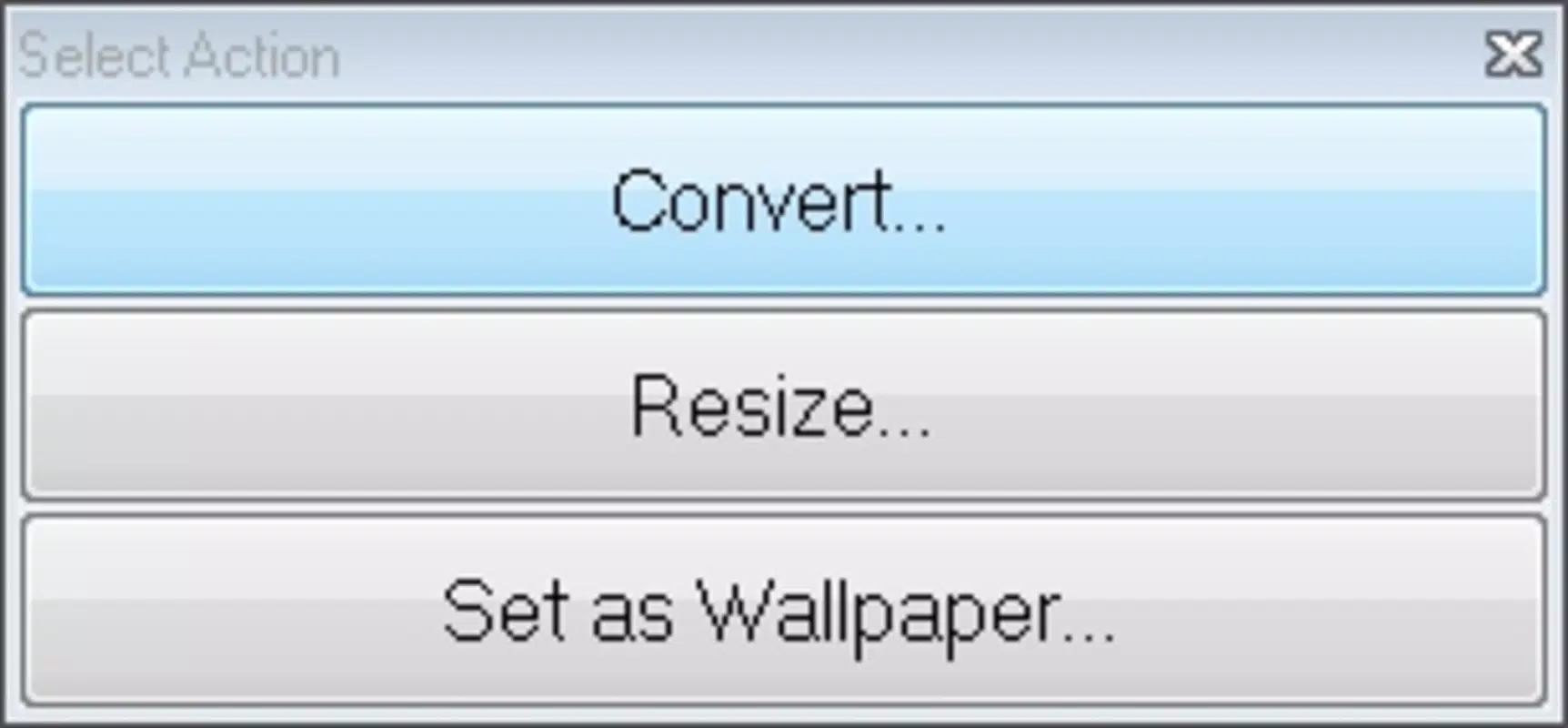
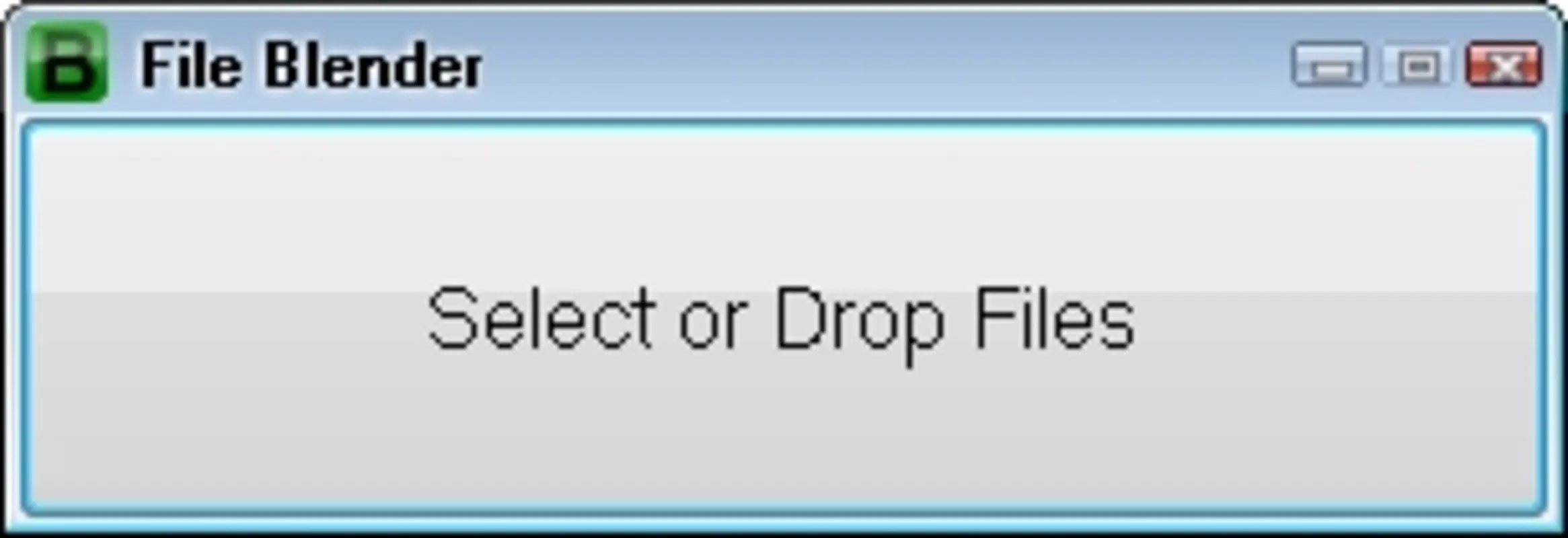
File Blender features a clean, minimalist interface focused on core functionality. The layout is straightforward, with clearly labeled sections for each conversion type—images, audio, and PDFs—accessible via tabs or navigation buttons. The drag-and-drop functionality enhances usability, allowing users to simply drop files into designated areas for immediate processing. Navigation is intuitive, with minimal steps required to complete common tasks.
Although the developer did not list formal performance metrics, the app’s lightweight nature suggests consistent responsiveness across different device categories. Users can expect fast processing times, particularly for smaller files, with minimal lag or system slowdown. Stability appears to be a strength, given the app’s long-term availability and lack of reported compatibility issues in public forums. The user experience is optimized for efficiency, prioritizing speed and simplicity over complex customization options.
Platform Compatibility & Technical Requirements
File Blender is available for desktop platforms, though specific operating system versions were not listed. The app is designed to run without installation, making it compatible with various Windows environments. The file size is compact, though the exact value was not disclosed. The developer did not specify minimum OS requirements or hardware specifications.
Given its portable nature, File Blender can likely run on a wide range of systems, including older Windows versions. However, users should verify compatibility with their specific environment before use. The lack of detailed technical information means that installation on newer or non-Windows systems cannot be confirmed. For users seeking a secure, lightweight tool for file conversion, File Blender remains a viable option, provided it is downloaded from trusted sources.
Pros and Cons
Pros
- Portable—no installation required
- Supports multiple file formats including images, audio, and PDFs
- Simple drag-and-drop interface enhances usability
- Lightweight and fast, ideal for low-resource devices
- Effective for merging and splitting PDF files
Cons
- Developer did not provide specific system requirements
- Compatibility with non-Windows platforms was not confirmed
- No built-in preview or batch processing options were mentioned
- File size and version details were not disclosed
- Latest updates or security patches are unclear
FAQ
Is File Blender safe to download and use?
File Blender is a well-known utility with a long history of availability. As with any third-party tool, it is recommended to download the app only from official or trusted sources to avoid potential security risks.
Can I use File Blender on Android or iOS?
The developer did not specify platform availability for mobile devices. Based on current information, File Blender is intended for desktop use and may not be compatible with Android or iOS systems.
Does File Blender support batch file conversion?
While the app supports multiple file conversions, specific details about batch processing were not provided. The interface appears optimized for single-file operations.
How do I update File Blender?
Update procedures were not disclosed by the developer. Users should check the official source regularly for the latest version and ensure they are using a secure download link.
Can I convert files without an internet connection?
Yes, File Blender functions offline, as it does not require online services or cloud integration. All processing is performed locally on the device.
Final Thoughts
File Blender stands out as a dependable, no-frills file conversion tool for users who prioritize simplicity, speed, and portability. Its ability to handle images, audio, and PDFs without installation makes it a valuable asset in both personal and professional workflows. While it lacks advanced features like batch processing or real-time previews, its core functionality remains robust and efficient. The app’s lightweight design ensures it runs smoothly even on older hardware, and its offline operation enhances privacy and security.
For individuals who frequently convert files across devices or work in restricted environments, File Blender offers a practical, low-overhead solution. Whether you're preparing a digital portfolio, organizing documents, or compressing audio, this utility delivers consistent performance without demanding system resources.
Download File Blender now


